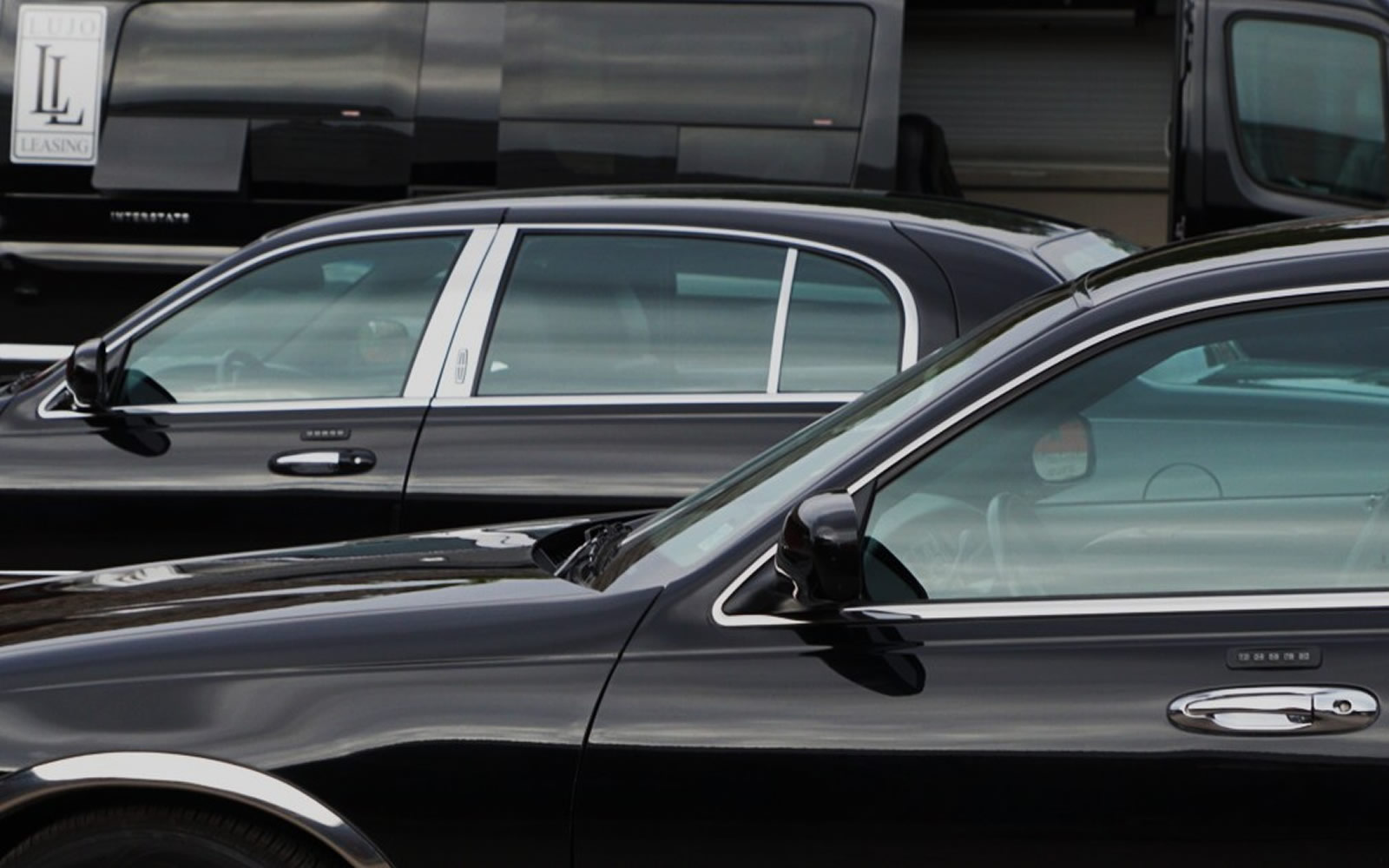
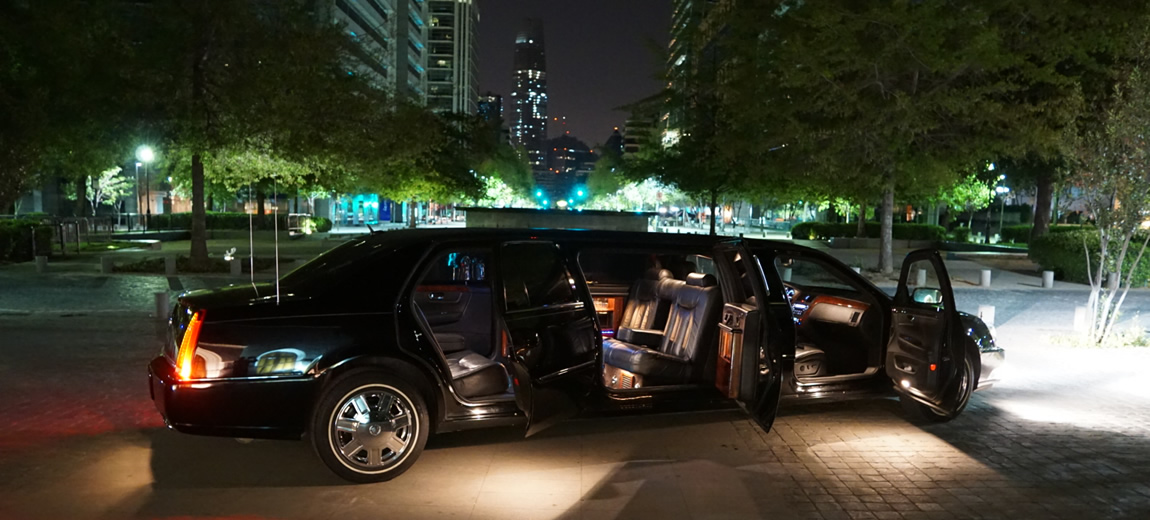
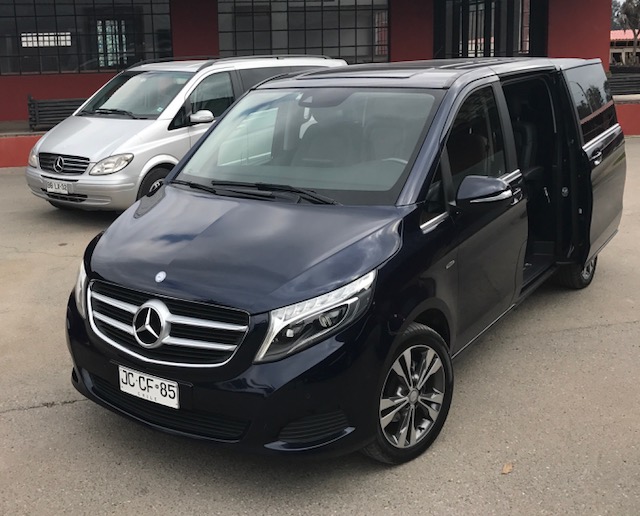
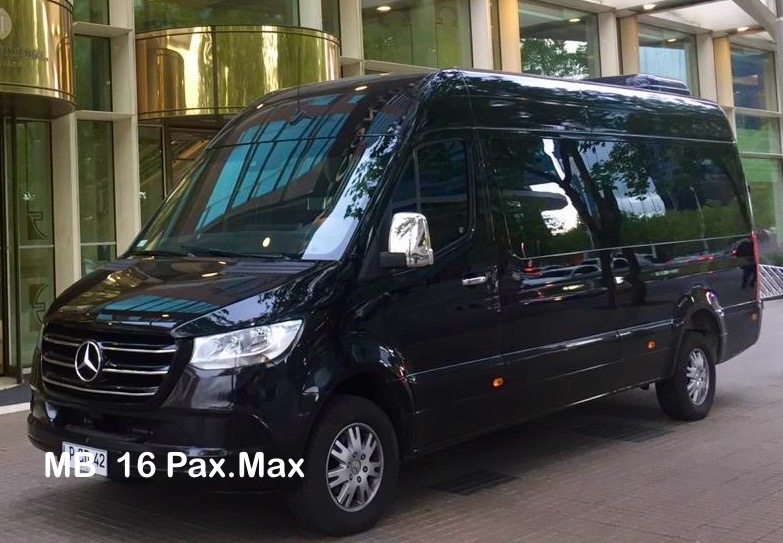
Fully insured , especially vehicles , and fore most a responsibility of your well being in a foreign Country as Chile
Gifts
Lorem ipsum dolor sit amet, consetetur sadipscing elitr, sed diam nonumy.
Exclusive
Lorem ipsum dolor sit amet, consetetur sadipscing elitr, sed diam nonumy.
Shopping
Lorem ipsum dolor sit amet, consetetur sadipscing elitr, sed diam nonumy.
Hotline
Lorem ipsum dolor sit amet, consetetur sadipscing elitr, sed diam nonumy.
Relax
Lorem ipsum dolor sit amet, consetetur sadipscing elitr, sed diam nonumy.
Discuss
Lorem ipsum dolor sit amet, consetetur sadipscing elitr, sed diam nonumy.
Favorites
Lorem ipsum dolor sit amet, consetetur sadipscing elitr, sed diam nonumy.
Download
Lorem ipsum dolor sit amet, consetetur sadipscing elitr, sed diam nonumy.
What our clients say
We are proud to have well known affiliates and clients.that we will not disclose for their own privacy and security
Awesome Design
Lorem ipsum dolor sit amet, consetetur sadipscing elitr, sed diam nonumy eirmod tempor invidunt ut labore et dolore magna aliquyam erat, sed diam voluptua. At vero eos et accusam et justo duo dolores et ea rebum.
Great Support
Lorem ipsum dolor sit amet, consetetur sadipscing elitr, sed diam nonumy eirmod tempor invidunt ut labore et dolore magna aliquyam erat, sed diam voluptua. At vero eos et accusam et justo duo dolores et ea rebum.
I am loving it!
Lorem ipsum dolor sit amet, consetetur sadipscing elitr, sed diam nonumy eirmod tempor invidunt ut labore et dolore magna aliquyam erat, sed diam voluptua. At vero eos et accusam et justo duo dolores et ea rebum.
Lorem ipsum dolor sit amet, consetetur sadipscing elitr, sed diam nonumy eirmod tempor invidunt ut labore et dolore magna aliquyam erat, sed diam voluptua.
Lorem ipsum dolor sit amet, consetetur sadipscing elitr, sed diam nonumy eirmod tempor invidunt ut labore et dolore magna aliquyam erat, sed diam voluptua. At vero eos et accusam et justo duo dolores et ea rebum. Stet clita kasd gubergren, no sea takimata sanctus

Our Philosophy
Lorem ipsum dolor sit amet, consetetur sadipscing elitr, sed diam nonumy eirmod tempor invidunt ut labore et dolore magna aliquyam erat, sed diam voluptua. At vero eos et accusam et justo duo dolores et ea rebum. Stet clita kasd gubergren, no sea takimata sanctus

Our Team
Award winning team with a passion for technology.
Susan McKenzie
Lorem ipsum dolor sit amet, consetetur sadipscing elitr, sed diam nonumy eirmod tempor invidunt ut labore et dolore magna aliquyam erat, sed diam voluptua. At vero eos et accusam et justo duo.
Brandon Cooper
Lorem ipsum dolor sit amet, consetetur sadipscing elitr, sed diam nonumy eirmod tempor invidunt ut labore et dolore magna aliquyam erat, sed diam voluptua. At vero eos et accusam et justo duo.
Ming Lee
Lorem ipsum dolor sit amet, consetetur sadipscing elitr, sed diam nonumy eirmod tempor invidunt ut labore et dolore magna aliquyam erat, sed diam voluptua. At vero eos et accusam et justo duo.
Widgetkit 2 is the next generation toolkit for WordPress and Joomla. It provides a simple and user-friendly way to enrich your website experience with grids, switchers, slideshows and much more.
Use a shortcode to display your widget anywhere on your website
Start in the editor
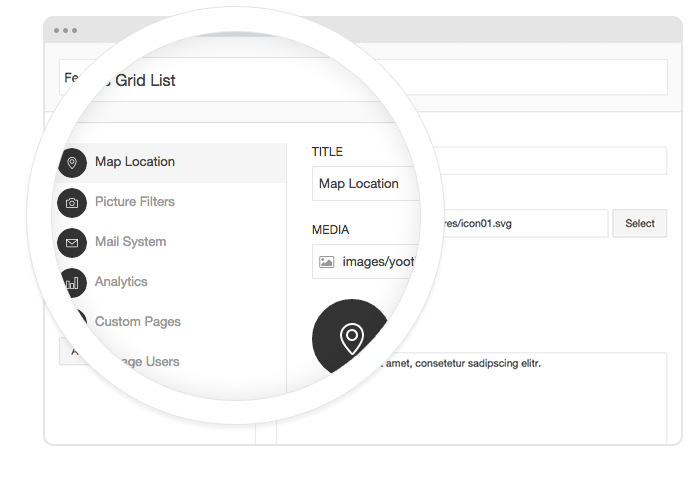
To get started, click on the Widgetkit button in your CMS edit view. Now choose the widget you would like to render, for example Grid. To create content for your widget, hit the New button and select the content type, for example custom.
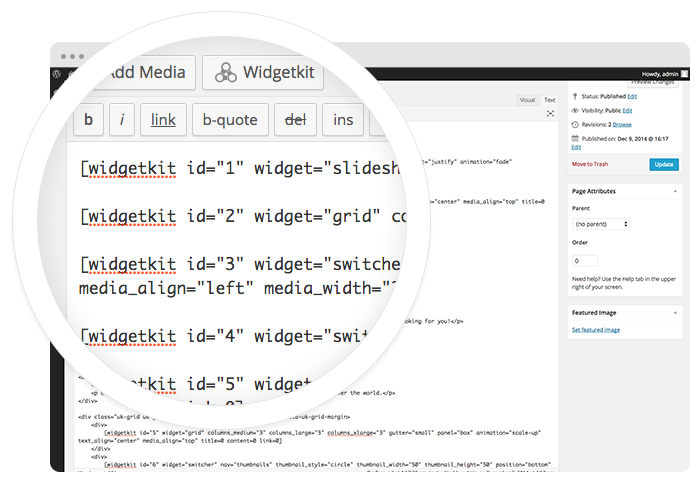
Explore the Interface
To create your content, you can add single content items by using Add Item. Alternatively you can use Add Media to select multiple items at once through the media library or manager of your CMS. Don’t forget to hit Save after you have created your items and then Close.
Using the shortcodes
To finalize your widget, hit Insert. Now you will see a shortcode with the ID and settings of your widget. If you have changed the default settings of your widget, the updated settings will be added to the shortcode. To select a different widget, click inside the shortcode and hit the Widgetkit button. Now click Change Widget.
This theme is built on the Warp framework, a well-engineered theme framework for WordPress and Joomla, and utilizes all of its latest features. The user interface is powered by UIkit, a lightweight and modular front-end framework, which provides the theme's styling. The theme also comes with a wide range of different layouts and widget variations.
Styles
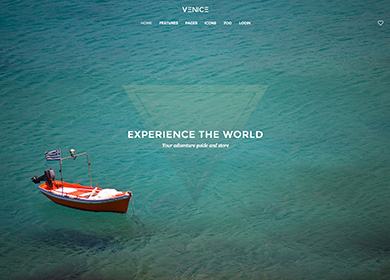
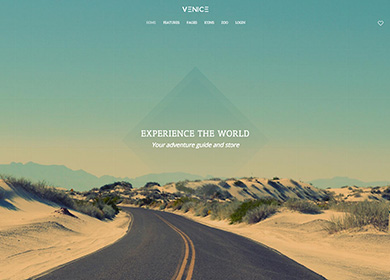
We provide lovingly crafted style variations to give you a glimpse of what is possible with this theme. The built-in theme customizer allows you to modify colors, fonts, sizes and much more without any CSS knowledge. Just choose your colors with the color picker and adjust the theme with only a few clicks. Click on one of the images to see the style.
Venice comes with a Fullscreen Position to create content that will fill the entire viewport. This works great in combination with the Widgetkit Slideshow or the Cover component from UIkit.
Section Backgrounds
You can choose between two different background colors or use a fixed background image that matches your Fullscreen Position in each section.
Adaptive Navbar
The main navigation can be fixed to the top of the browser. Additionally you have the option to apply an alternative navbar, placing the logo between the items of a centered menu. When the Fullscreen Position is published, the navigation turns transparent and the logo is moved above the navbar.
Blog Layouts
This theme features two different blog styles. The default layout places the featured image above the article and adds nicely designed meta data. You apply an alternating two column grid layout that places image and article side by side and adapts smoothly to different device sizes.
Widgetkit 2
Venice Theme features new Widgetkit 2, a completely overhauled version of our toolkit. You can now insert and edit widgets, like a slideshow or media grid, directly inside articles and modules. You can organize your media through its integrated media manager and upload images and other binary files via drag and drop.
The Widgetkit Slideshow supports videos as well as images and can be set to fullscreen mode. Additionally, Venice Theme includes its own Switcher that uses thumbnails to navigate through different content panes.
Social Icons
Use the modifier .uk-icon-button class to create an icon button.
Venice Theme provides an additional Socialbar Position, integrated nicely into the header. You can modify it completely to add your own icons or apply a different toggler. Here's an example of how we applied the Toggle component from UIkit to the Socialbar.